

Claude Code Templates: Supercharge Your AI-Powered Development with Anthropic’s Claude
Core question this article answers: What is Claude Code Templates, and how can it transform your daily workflow when using Claude for coding?
In the fast-evolving world of AI-assisted programming, tools like Anthropic’s Claude have become essential for developers. Yet many still spend excessive time crafting perfect prompts, repeating security checks, generating tests manually, or integrating external services. Claude Code Templates solves these pain points by offering a comprehensive, open-source collection of ready-to-use configurations tailored for Claude Code.
This project delivers over 300 agents, 200+ commands, numerous settings, hooks, MCP integrations, and skills—everything packaged for quick installation via a simple CLI. Whether you’re building frontend apps, backend services, or full-stack projects, these templates turn Claude into a specialized team member that follows best practices consistently.
With GitHub stars in the thousands and active community contributions, it’s one of the most practical ways to level up your Claude usage today.
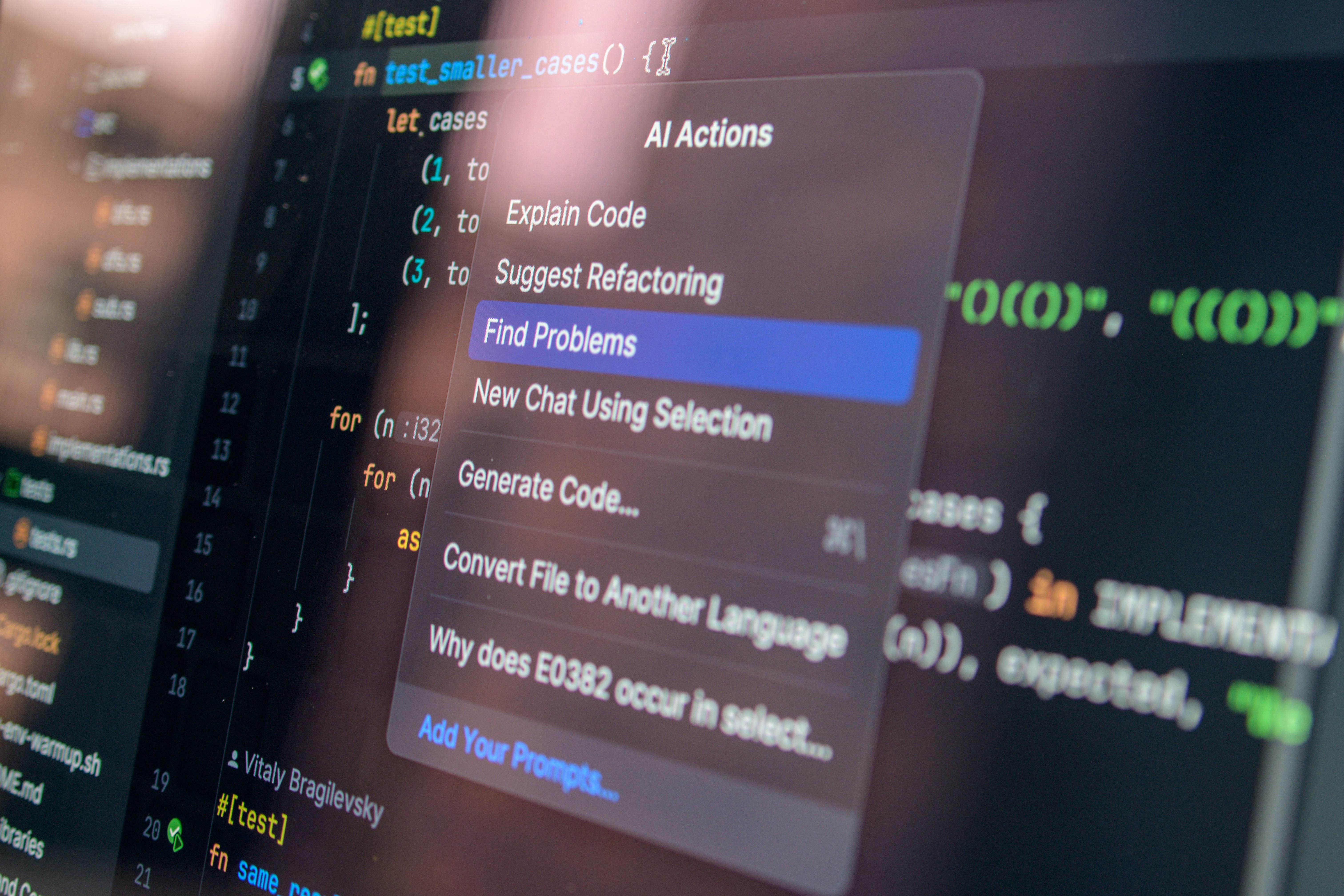
Image source: Pexels

What Makes Claude Code Templates So Powerful?
Core question: How exactly does this tool improve productivity beyond basic Claude prompting?
The real strength lies in three pillars: standardization, automation, and specialization.
Standardization ensures consistent output across projects and teams—same review style, same test coverage criteria, same security checklist every time.
Automation handles repetitive tasks: pre-commit hooks run AI checks automatically, slash commands generate full test suites in seconds, and MCPs let Claude interact directly with GitHub or databases.
Specialization comes from domain-specific agents. Instead of generic “help me code,” you get experts like a React performance optimizer that spots unnecessary re-renders or a security auditor that scans for vulnerabilities.
For example, imagine you’re working on a React component and need comprehensive unit tests. Without templates, you’d write a detailed prompt covering Jest, RTL, mocks, edge cases. With the template installed, simply type:
/generate-tests
Claude instantly produces a complete, high-quality test file aligned with best practices.
Another practical scenario: code review before pushing. Install the development-tools/code-reviewer agent and git/pre-commit-validation hook. Every git commit triggers Claude to analyze changes for style issues, potential bugs, and security risks. If issues are found, the commit blocks until resolved—essentially free local AI code review that catches problems early.
From personal experience, the biggest win is consistency. When your entire team uses the same agents and commands, discussions shift from “why did you write it this way?” to “this follows the reviewer agent’s recommendation,” saving hours in meetings and onboarding.
Getting Started in Minutes: Installation Guide
Core question: As a beginner, what’s the fastest way to install and start using these templates?
Installation is designed for speed—no cloning repos, no complex setup. Everything runs via npx.
Recommended starter command for frontend developers (installs a solid foundation):
npx claude-code-templates@latest \
  --agent development-team/frontend-developer \
  --command testing/generate-tests \
  --mcp development/github-integration \
  --yes
This one-liner:
-
Adds a frontend-focused agent with React/Vue optimization skills -
Installs the powerful /generate-testscommand -
Connects GitHub MCP for automated PRs and comments -
Skips confirmations with --yes
Prefer to browse and pick? Run:
npx claude-code-templates@latest
It launches an interactive wizard where you explore categories and install only what you need.
For single components, examples include:
# Code reviewer agent
npx claude-code-templates@latest --agent development-tools/code-reviewer --yes

# Performance optimization command
npx claude-code-templates@latest --command performance/optimize-bundle --yes

# Git pre-commit hook
npx claude-code-templates@latest --hook git/pre-commit-validation --yes
Once installed, agents appear in your Claude interface, commands work via slash syntax, and hooks trigger automatically.

Image source: Freerange Stock

Key Components: Your AI Development Toolkit
Core question: What are the main building blocks, and which should I prioritize?
Agents: Specialized AI Roles
These are pre-configured personas with deep domain knowledge.
Top picks:
-
Security auditor — Scans for XSS, injection risks, exposed keys. Ideal before deployment. -
React performance optimizer — Recommends memoization, analyzes render impact. Perfect for laggy UIs. -
Database architect — Designs schemas, suggests indexes and queries. Great for new backend features.
Install example:
npx claude-code-templates@latest --agent security-auditor --yes
Commands: Instant Slash Actions
Custom / commands that execute predefined workflows.
Popular ones:
-
/generate-tests— Full test suite generation -
/optimize-bundle— Webpack/Vite bundle analysis and suggestions -
/check-security— Quick vulnerability scan on selected code
These save you from rewriting long prompts repeatedly.
MCPs: External Service Connections
MCPs allow Claude to call real APIs.
Examples:
-
GitHub integration — Create issues, comment on PRs, push changes -
PostgreSQL integration — Run queries, explain slow SQL -
AWS / Stripe — Manage cloud resources or payments
Security note: Always review authorizations carefully.
Settings & Hooks: Fine-Tuning and Automation
Settings adjust Claude’s behavior (e.g., timeouts for long tasks).
Hooks automate Git events:
npx claude-code-templates@latest --setting performance/mcp-timeouts --yes
Skills: Modular Capabilities
Reusable building blocks like PDF extraction, Excel automation, or custom flows—combine them for complex tasks.
Prioritize: Start with code-reviewer agent + generate-tests command + pre-commit hook. This combo covers code quality, testing, and automation for most projects.
Extra Tools for Better Visibility and Health
Core question: How can I monitor and maintain my Claude setup effectively?
The project includes practical utilities:
-
Analytics Dashboard
npx claude-code-templates@latest --analyticsReal-time session metrics, token usage—great for tracking productivity gains.
-
Conversation Monitor
npx claude-code-templates@latest --chats --tunnelMobile-friendly view of ongoing chats via secure tunnel.
-
Health Check
npx claude-code-templates@latest --health-checkDiagnoses configuration issues, version conflicts.
-
Plugin Dashboard
npx claude-code-templates@latest --pluginsManage installed components centrally.
These turn Claude from a black box into a transparent, observable tool.

Image source: Pexels
Resources, Community, and Next Steps
Core question: Where do I find more details, updates, or contribute?
-
Interactive browser: https://aitmpl.com — Search, preview, and install components directly. -
Full documentation: https://docs.aitmpl.com — Guides, examples, API references. -
GitHub repo: https://github.com/davila7/claude-code-templates — Discussions, issues, contributions. -
npm package: https://www.npmjs.com/package/claude-code-templates
The project credits many sources, including Anthropic’s official skills, scientific libraries, and community contributions—all under their original licenses (mostly MIT).
Contributions are welcome: follow CONTRIBUTING.md to add new agents, commands, or fixes.
Quick Reference Checklist
-
Starter install: npx claude-code-templates@latest --agent development-team/frontend-developer --command testing/generate-tests --mcp development/github-integration --yes -
Add reviewer: npx claude-code-templates@latest --agent development-tools/code-reviewer --yes -
Monitor chats remotely: npx claude-code-templates@latest --chats --tunnel -
Run health check: npx claude-code-templates@latest --health-check -
Browse everything: Visit https://aitmpl.com
One-Page Summary
-
What it is: Open-source CLI + templates for enhancing Anthropic Claude Code. -
Core value: Pre-built agents, commands, integrations for faster, safer coding. -
Installation: npx-based, instant. -
Top starters: Code reviewer, test generator, GitHub MCP. -
Extras: Analytics, health checks, conversation monitor. -
License: MIT, fully free.
FAQ
-
Is Claude Code Templates free?
Yes, completely open-source under MIT license. -
Which languages and frameworks are supported?
Strong coverage for JavaScript/TypeScript (React, Vue, Node.js), Python (Django, Flask), with more coming (Go, Rust). -
How do I use installed agents/commands?
Agents appear in Claude’s interface; commands via/command-namein chat. -
Is it safe to use MCP integrations?
Yes, but review authorizations—data stays within your controlled environments. -
Can I remove individual components?
Re-install or manage via the plugin dashboard; check docs for specifics. -
Does it work with other AI tools?
Primarily for Claude Code, but compatible with similar ecosystems like Cursor. -
How do I contribute new templates?
Fork the repo, follow CONTRIBUTING.md, and submit a PR. -
Where can I see the latest components?
Head to https://aitmpl.com for live browsing and stats.
Start experimenting today—install a few components and see how much smoother your workflow becomes with Claude as a true collaborator.

