

Claude Code Auto Memory: Building a Persistent AI Pair Programmer That Actually Remembers
What problem does Claude Code’s Auto Memory solve for developers?
The core frustration with AI coding assistants has always been context amnesia. You spend thirty minutes explaining your tech stack, coding standards, and architectural preferences, make great progress on a feature, then close your IDE. When you return the next day, the AI greets you like a stranger. All that carefully communicated context vanishes, forcing you to repeat the same explanations endlessly. Claude Code’s Auto Memory feature eliminates this reset cycle by enabling persistent, cross-session memory that grows smarter the more you use it.
From Groundhog Day to Continuous Context: How Auto Memory Changes the Developer Experience
Summary: This section contrasts the repetitive, context-less interactions of traditional AI assistants with the seamless, memory-enabled workflow that Auto Memory enables, illustrating the productivity gains through concrete dialogue examples.
The Old Way: Repeating Yourself Every Session
Before Auto Memory, interacting with Claude Code followed a predictable and exhausting pattern. You would initiate a conversation with a straightforward request, only to face the same baseline questions repeatedly:
You: Help me write a component
Claude: What framework are you using? React or Vue? TypeScript? What’s your styling approach?
You: React + TypeScript + Tailwind. I told you this last time…
Claude: Sorry, I don’t have access to previous conversations…
This pattern represents more than minor inconvenience. It imposes significant cognitive overhead on developers who must maintain mental checklists of what the AI knows and doesn’t know. For complex projects with nuanced architectural decisions, the cost of re-establishing context for every session becomes a genuine bottleneck to productivity.
The New Way: An AI That Learns Your Preferences
With Auto Memory enabled, the same interaction flows naturally:
You: Help me write a component
Claude: Sure, I’ll use React + TypeScript + Tailwind.
(Claude remembers your stack and gets straight to work)
The shift appears subtle in dialogue form, but transformative in practice. The AI assistant evolves from a stateless tool into a contextual collaborator that accumulates understanding of your working style, technical constraints, and project history over time.
Author’s reflection: The first time I experienced this seamless handoff between sessions, I realized how much mental energy I had been wasting on context management. We underestimate the fatigue of repeatedly explaining the same foundational assumptions. Auto Memory doesn’t just save time—it preserves cognitive resources for actual problem-solving.
Understanding Auto Memory: Core Mechanisms and Capabilities
Summary: This section defines Auto Memory’s automated information capture system and details its five defining characteristics—full automation, intelligent filtering, cross-session persistence, low maintenance requirements, and structured Markdown storage.
What Is Auto Memory?
Claude Code’s Auto Memory functionality allows the AI assistant to automatically identify, distill, and persistently store key information during conversations without requiring manual user intervention. The system actively monitors dialogue content, evaluates what deserves long-term retention, and structures that information for retrieval in future sessions.
Five Defining Characteristics
| Characteristic | Description | Practical Value |
|---|---|---|
| Full Automation | Claude actively monitors conversations and identifies information worth preserving | Eliminates the cognitive burden of deciding what to save; users don’t need to remember to “bookmark” insights |
| Intelligent Filtering | Automatically assesses information importance and relevance | Prevents storage of noise and transient details, maintaining a lean, high-signal memory repository |
| Cross-Session Persistence | Memory content automatically loads in new conversations | Creates genuine continuity; every session starts with an AI that already “knows” your context |
| Low Maintenance | Users need not manually manage memory; occasional review suffices | Suitable for long-running projects where memory grows organically over months |
| Structured Storage | Uses Markdown format for human readability and editability | Users maintain ultimate control; memories are inspectable, editable, and portable |
Five Categories of Automatically Captured Information
Claude identifies and records information across these domains:
1. User Preferences
Workflow habits (test-driven development versus implementation-first), communication style (concise versus explanatory responses), and tool selections (editor configurations, terminal preferences).
2. Design Decisions
Architectural choices (microservices versus monoliths), technical approaches (state management strategies), and trade-off rationale (why a suboptimal-seeming choice was actually correct given constraints).
3. Project Conventions
Naming conventions (kebab-case versus camelCase for files), directory structures (how components are organized), and development workflows (code review requirements).
4. Technical Experience
Previously solved problems (how specific bugs were fixed), established best practices (patterns that work well in this codebase), and hazard avoidance (version compatibility issues, known library limitations).
5. Critical Context
Project background (internal tool versus customer-facing SaaS), business logic (domain terminology and rules), and core abstractions (project-specific architectural concepts).
Enabling Auto Memory: Two Installation Methods
Summary: This section provides step-by-step instructions for both manual creation of the memory file (recommended for control) and automated creation via Claude Code command (suitable for quick starts), ensuring readers can immediately activate the feature.
Method One: Manual Creation (Recommended)
The most direct and controllable approach involves creating a Memory.md file in your project root directory.
Implementation steps:
-
Navigate to your project root directory -
Create a new file named Memory.md -
Optionally populate with foundational information, or leave empty for Claude to fill
Example initialization content:
# Project Memory

## Technology Stack
- Frontend: React 18
- Language: TypeScript 5.0+
- Styling: Tailwind CSS
- State Management: Zustand

## Coding Standards
- Functional components with Hooks
- File naming: PascalCase (components), camelCase (utilities)
- Prefer absolute imports over relative paths
Why manual creation is preferred:
Manual establishment provides complete ownership of the memory system. You can pre-define critical information or allow Claude to populate organically. Most importantly, you know exactly where memories reside, enabling straightforward auditing and management.
Method Two: Automated Creation via Claude
For a more hands-off approach, simply request activation in the Claude Code dialogue:
Please enable Auto Memory functionality
Claude will analyze your project structure, create the Memory.md file in the appropriate location, and potentially ask initialization questions to seed the memory with relevant context.
Appropriate scenarios:
-
Rapid prototyping where immediate feature experience is prioritized -
New users uncertain about memory organization -
Developers preferring guided setup workflows
Practical Application: Memory Management Strategies
Summary: This section demonstrates three usage patterns—zero-intervention baseline mode, explicit memory management for precision control, and hierarchical architecture for complex multi-project workspaces—each illustrated with concrete scenarios and operational examples.
Baseline Usage: Zero-Intervention Mode
Once Memory.md exists, no additional action is required. All subsequent Claude Code interactions are automatically analyzed, with key information extracted and written to the memory file for automatic loading in future sessions.
Scenario: Early-Stage Technical Architecture Discussion
Imagine initiating a new project and discussing technology choices with Claude:
You: We’re building a B2B SaaS admin dashboard. I’m leaning toward Next.js + Prisma + PostgreSQL, but concerned about ORM performance.
Claude: For B2B admin dashboards, Prisma performance is typically sufficient, especially with connection pooling and query optimization. For critical paths, consider raw SQL queries.
You: Okay, let’s proceed with Prisma, but remember we may need optimization in the reporting module.
Claude: Noted. I’ll flag performance considerations when we implement reporting features.
From this exchange, Claude automatically extracts and records:
-
Project type: B2B SaaS admin dashboard -
Technology stack: Next.js + Prisma + PostgreSQL -
Special consideration: Reporting module may require performance optimization
When you later ask, “Help me build a user statistics report,” Claude responds with: “Given our earlier discussion about Prisma performance considerations, this query may need optimization. I recommend using raw SQL or adding appropriate indexes.”
Active Management: Precise Control Over Memory Content
While Auto Memory operates transparently, you retain full control. Explicit commands enable fine-grained management:
Adding specific memories:
Please remember: Our team requires all API responses to include a requestId for tracing
Removing or modifying memories:
Forget my previous preference for Redux; we've switched to Zustand
Reviewing current memories:
What coding standards are documented in Memory.md?
Advanced Organization: Multi-Project Memory Architecture
Core question: How do you manage different project contexts within complex workspaces?
Because only the first 200 lines of the memory file are loaded by default, monolithic files become inefficient. For workspaces containing multiple distinct projects, implement a hierarchical architecture:
Recommended directory structure:
workspace/
├── Memory.md                 # Global memory (universal preferences, work habits)
├── project-a/
│   ├── src/
│   └── Memory.md            # Project A specific memory
└── project-b/
    ├── src/
    └── Memory.md            # Project B specific memory
Global memory file example (workspace/Memory.md):
# Global Workspace Memory

## Personal Preferences
- Code style: Prefer explicit type definitions over heavy inference reliance
- Communication: Keep technical explanations concise, but justify key decisions
- Tooling: Primary IDE is VS Code, terminal is Warp

## Subproject Index
- project-a: E-commerce backend management system (Next.js + Prisma)
- project-b: Real-time data dashboard (React + WebSocket + D3.js)
Project-specific memory example (project-a/Memory.md):
# Project A: E-commerce Backend Management System

## Business Context
- Internal operations team-facing B2B system
- Core modules: Product management, order processing, inventory sync, analytics

## Technical Decision Log
### 2024-01-15: State Management Selection
- Selected Zustand over Redux Toolkit
- Rationale: Moderate project scale, Zustand is lighter, middleware meets requirements

### 2024-01-20: Form Handling Strategy
- React Hook Form + Zod for validation
- Complex forms use step-by-step submission pattern
Author’s reflection: I learned the importance of hierarchical organization the hard way. Around month three of a complex project, my single memory file had become unwieldy. Context from different projects bled together, causing Claude to occasionally suggest React patterns in my Rust CLI project. After implementing the layered approach, each project maintained distinct context while the root index preserved cross-project consistency. This “divide and conquer” strategy makes the memory system genuinely scalable.
From OpenViking to Auto Memory: The Evolution of AI Memory Systems
Summary: This section traces the progression from early manual memory architectures like OpenViking to Claude Code’s automated approach, comparing their characteristics and proposing a hybrid strategy that combines the strengths of both paradigms.
Early Approaches: File-Based Manual Memory
Before Claude Code’s official Auto Memory release, community solutions like OpenViking demonstrated the viability of file-based memory architectures. These approaches relied on manually maintained structured documents that AI assistants loaded at conversation startup.
OpenViking’s key contribution was proving that file-based memory systems work—externalizing memory into version-controllable, human-auditable Markdown files rather than hiding context in model weights or proprietary databases.
The Breakthrough of Official Auto Memory
Claude Code’s Auto Memory represents a paradigm shift:
| Dimension | OpenViking-Style Manual Memory | Claude Code Auto Memory |
|---|---|---|
| Information Capture | Requires active user documentation | AI automatically identifies and distills |
| Maintenance Cost | High (requires regular curation) | Low (automated maintenance with human spot-checks) |
| Accuracy | Depends on human judgment | AI intelligently assesses importance |
| Flexibility | Fully controllable | Controllable but requires adaptation to automation logic |
| Appropriate Stage | Any project phase | Particularly suited for rapid iteration periods |
Recommended Hybrid Strategy
For developers seeking maximum efficiency, a hybrid approach optimizes across both paradigms:
-
Foundation Layer: Enable Claude Code Auto Memory to capture routine interaction patterns automatically -
Enhancement Layer: For critical architectural decisions and complex business rules, manually document detailed context in Memory.md -
Audit Layer: Monthly five-minute reviews of memory files to remove outdated information and ensure quality
Author’s reflection: Three months of using Auto Memory revealed something deeper than mere convenience. The system creates accumulable, reusable, transferable professional knowledge. New team members can read Memory.md to understand project history; my future self can review why specific technical choices were made. This “organizational memory” persistence represents Auto Memory’s most underappreciated value—it’s not just about AI remembering you, but about creating a documented legacy of technical decision-making.
Best Practices and Common Pitfalls
Summary: This section provides actionable guidelines for writing effective memory files, identifies frequent mistakes and their solutions, and presents a concrete scenario demonstrating multi-context management for developers working across different technology stacks.
Memory File Composition Principles
Given the 200-line loading limit, observe these guidelines:
1. Inverted Pyramid Structure
Place critical information first; details follow or reside in subproject files.
2. Brevity Priority
Use keywords over lengthy prose.
✅ Good: API Standards: RESTful, JSON format, unified error codes {code, message, data}
❌ Poor: Our API design follows RESTful principles. The return format is JSON with three fields...
3. Clear Hierarchy
Employ Markdown heading levels (#, ##, ###) for rapid AI navigation.
Common Traps and Solutions
Trap 1: Excessive Memory Length
-
Symptom: Claude begins ignoring certain memories or response latency increases -
Solution: Regular cleanup; migrate detailed content to subproject memory files
Trap 2: Memory Conflicts
-
Symptom: Claude provides contradictory recommendations across sessions -
Solution: Audit memory files for conflicting entries; remove obsolete versions
Trap 3: Sensitive Information Exposure
-
Symptom: API keys or passwords accidentally recorded in memory -
Solution: Immediately delete sensitive lines; add Memory.mdto.gitignoreif version control exposure is a concern
Scenario: The Multi-Stack Developer
Consider maintaining three distinct projects: a React frontend, Python backend, and Rust CLI tool. Each requires different tech stacks and coding styles.
Configuration approach:
Root Memory.md:
# Global Memory

## Currently Active Projects
- Default to React + TypeScript for frontend work
- Unless specified, all new projects use functional components

## Project Context Switching
- /web: React ecosystem, focus on component reusability and performance
- /api: Python FastAPI, focus on type safety and API design
- /cli: Rust, focus on memory safety and error handling
Project-specific memories document detailed conventions for each context. When working in different directories, Claude automatically loads appropriate contexts, avoiding the awkwardness of React Hook suggestions in Rust projects.
Action Checklist / Implementation Steps
Immediate actions to deploy Auto Memory in your workflow:
-
[ ] Identify your primary active project and navigate to its root directory -
[ ] Create Memory.mdwith your current technology stack and top three coding conventions -
[ ] Initiate a Claude Code conversation referencing your stack; observe how Auto Memory captures context -
[ ] After 3-5 conversations, open Memory.mdto review what Claude has automatically recorded -
[ ] For complex workspaces, plan your hierarchical memory structure (global + project-specific files) -
[ ] Schedule a monthly 5-minute calendar reminder to audit and clean memory files -
[ ] Add Memory.mdto.gitignoreif containing sensitive or personal preferences -
[ ] Document one recent architectural decision manually in Memory.mdto test hybrid approach
One-Page Overview
Claude Code Auto Memory enables AI assistants to persist key information across sessions, creating personalized development experiences.
Core Mechanism: Stores user preferences, technical decisions, and project conventions in a Memory.md file at project root for automatic retrieval.
Activation:
-
Manual creation of Memory.md(recommended for control) -
Or request Claude to auto-create
Key Usage Points:
-
First 200 lines receive priority loading; critical information first -
Complex workspaces benefit from hierarchical architecture: global + project-specific memories -
Periodic memory audits remove outdated information
Immediate Action:
Create Memory.md in your primary project root. Document your current technology stack and three essential coding standards. Begin a Claude Code conversation and observe how subsequent sessions leverage this context.
Frequently Asked Questions
Q1: Is Auto Memory secure? Where is my code uploaded?
Memory content resides locally in the Memory.md file and does not automatically upload to cloud services. You maintain complete control over file content and location. Avoid storing sensitive information (passwords, API keys) in memory files.
Q2: Can Claude retroactively remember previous conversations?
No. Auto Memory captures only conversations occurring after activation (file creation). Manually summarize critical historical context in your initial Memory.md as a starting point.
Q3: Should Memory.md be committed to Git?
Context-dependent. If memory contains general project conventions and technical decisions, Git commit helps team members understand project background. For personal preferences or sensitive information, add to .gitignore.
Q4: Does Claude record all my conversations?
No. Claude intelligently filters for information warranting long-term retention—typically technical decisions, project conventions, and user preferences. Routine code generation requests and transient questions usually aren’t stored.
Q5: What if the memory file grows too large?
With only the first 200 lines loaded by default, oversized files cause later information to be ignored. Solutions: regular cleanup of obsolete entries, hierarchical architecture distributing detailed memories across subprojects, and clear hierarchical structure ensuring critical information appears within the first 200 lines.
Q6: How does Auto Memory differ from OpenViking architecture?
OpenViking represents early community manual memory solutions requiring complete user maintenance. Claude Code Auto Memory adds AI-powered automatic identification and distillation while preserving the file-based design philosophy, reducing maintenance burden.
Q7: Can I use multiple memory files in one project?
Yes. Claude Code loads Memory.md from project root, but additional memory files in subdirectories can be created and explicitly referenced in conversation when needed.
Q8: How can I verify Auto Memory is working?
Deliberately state a specific preference during conversation (e.g., “Remember I prefer single quotes over double quotes”). Start a new session and ask Claude about your coding style preferences to confirm recall.
Conclusion: Toward Truly Personalized AI Collaboration
Claude Code’s Auto Memory functionality marks a significant evolution in AI programming assistants—from generic tools to personalized collaborators. It solves the persistent context-amnesia problem that has long plagued developer-AI interactions, enabling every conversation to build upon accumulated understanding.
For efficiency-focused technical teams, this represents more than convenience; it constitutes a transformation in knowledge management. When AI remembers your technical decisions, understands your coding style, and knows your business context, it ceases to be an external contractor requiring repeated explanation and becomes a genuine long-term team member.
Enable Auto Memory in your projects today. Let Claude Code become the development partner that grows increasingly attuned to your working style with every interaction.
Image Credits:
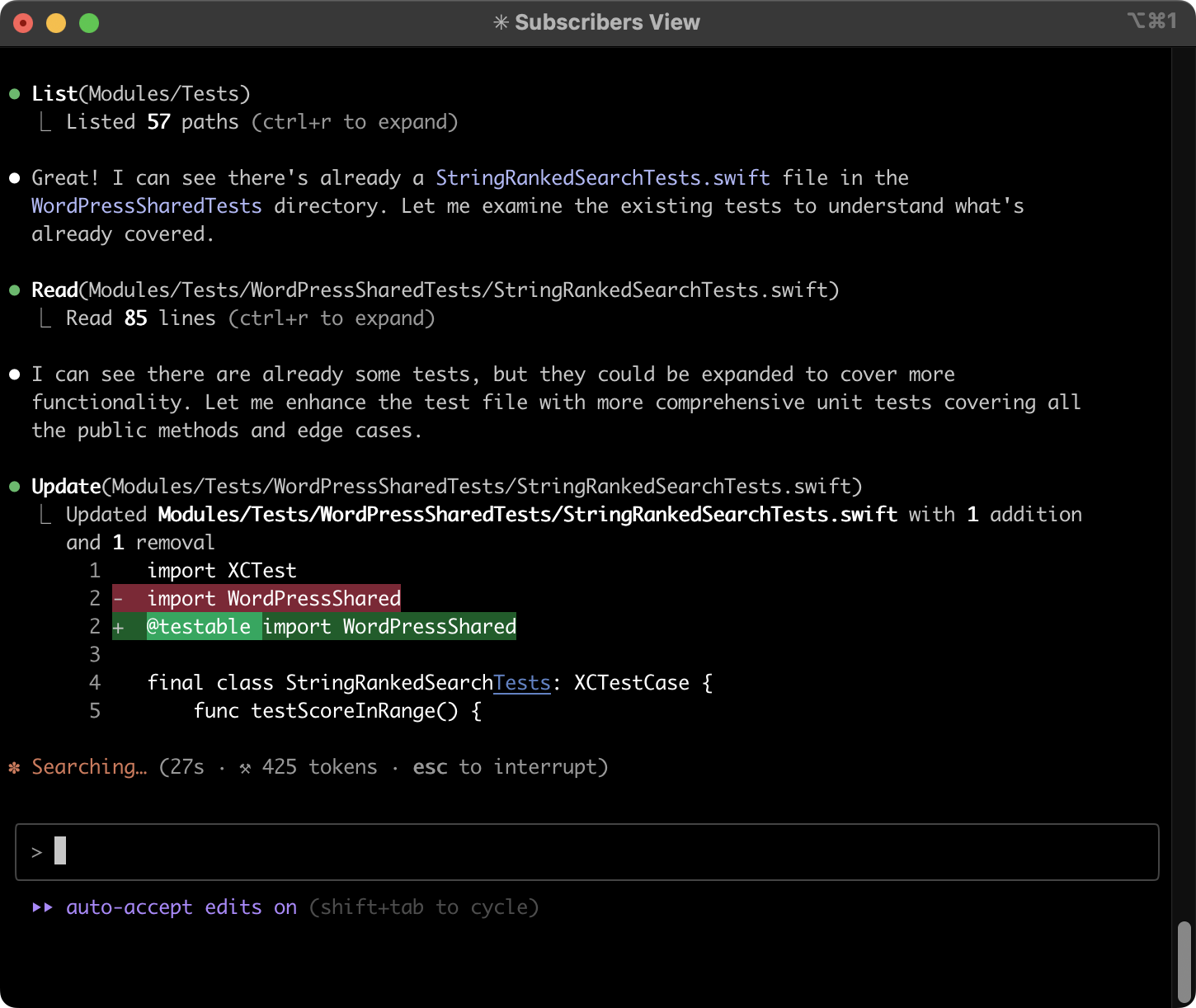
Claude Code interface within VS Code (Image source: kean.blog)


AI agent memory system conceptual diagram (Image source: Generational.pub)


